.svg)
How to set up the Hex-G Gateway
Download
Everything you need to know. Download Product Catalog
Step-by-step guides, platform tutorials, device FAQs, and compliance references for every Hexmodal product. No wait times. No support calls required.

First gateway setup, device installation guides, and platform access.
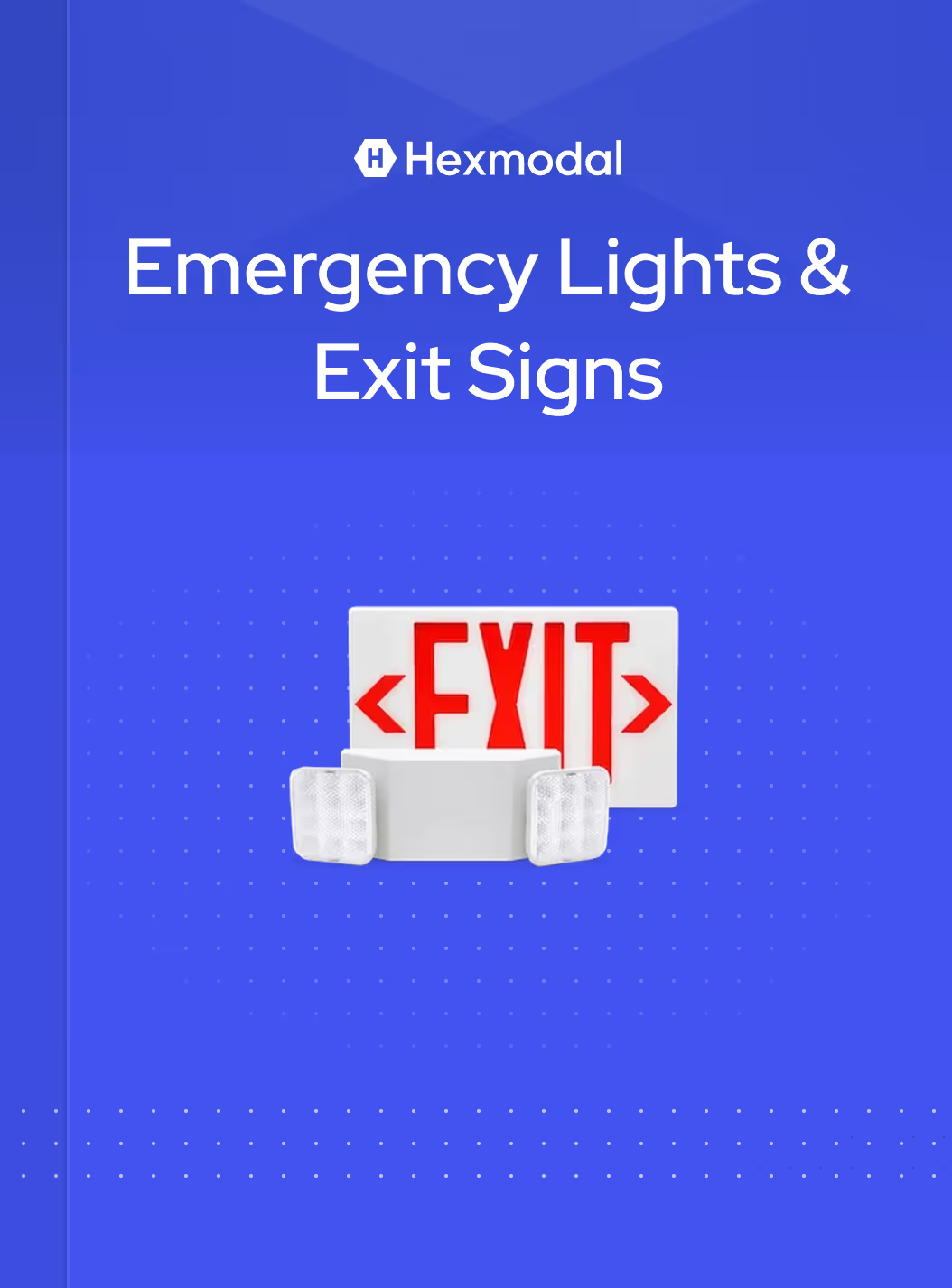
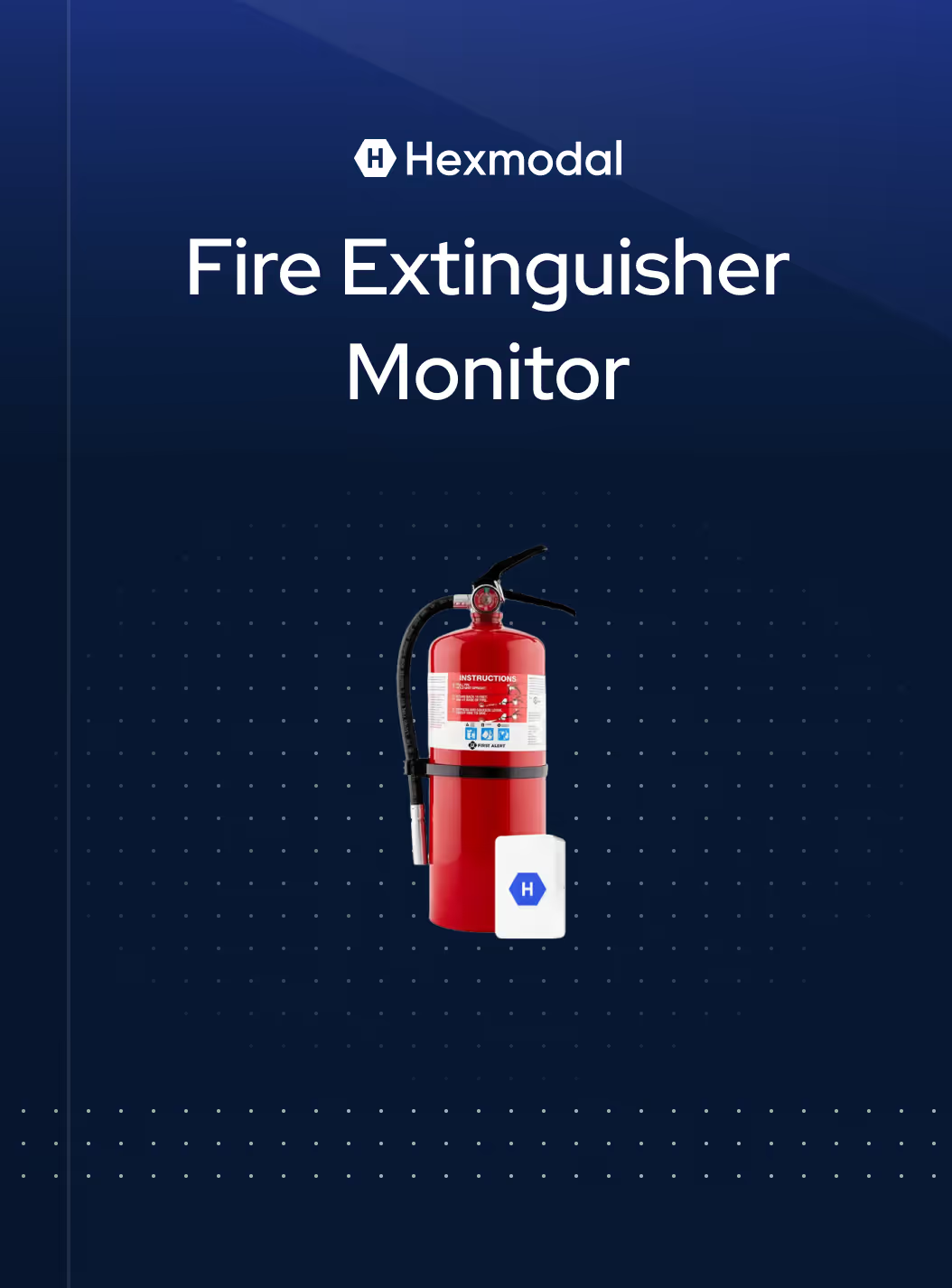
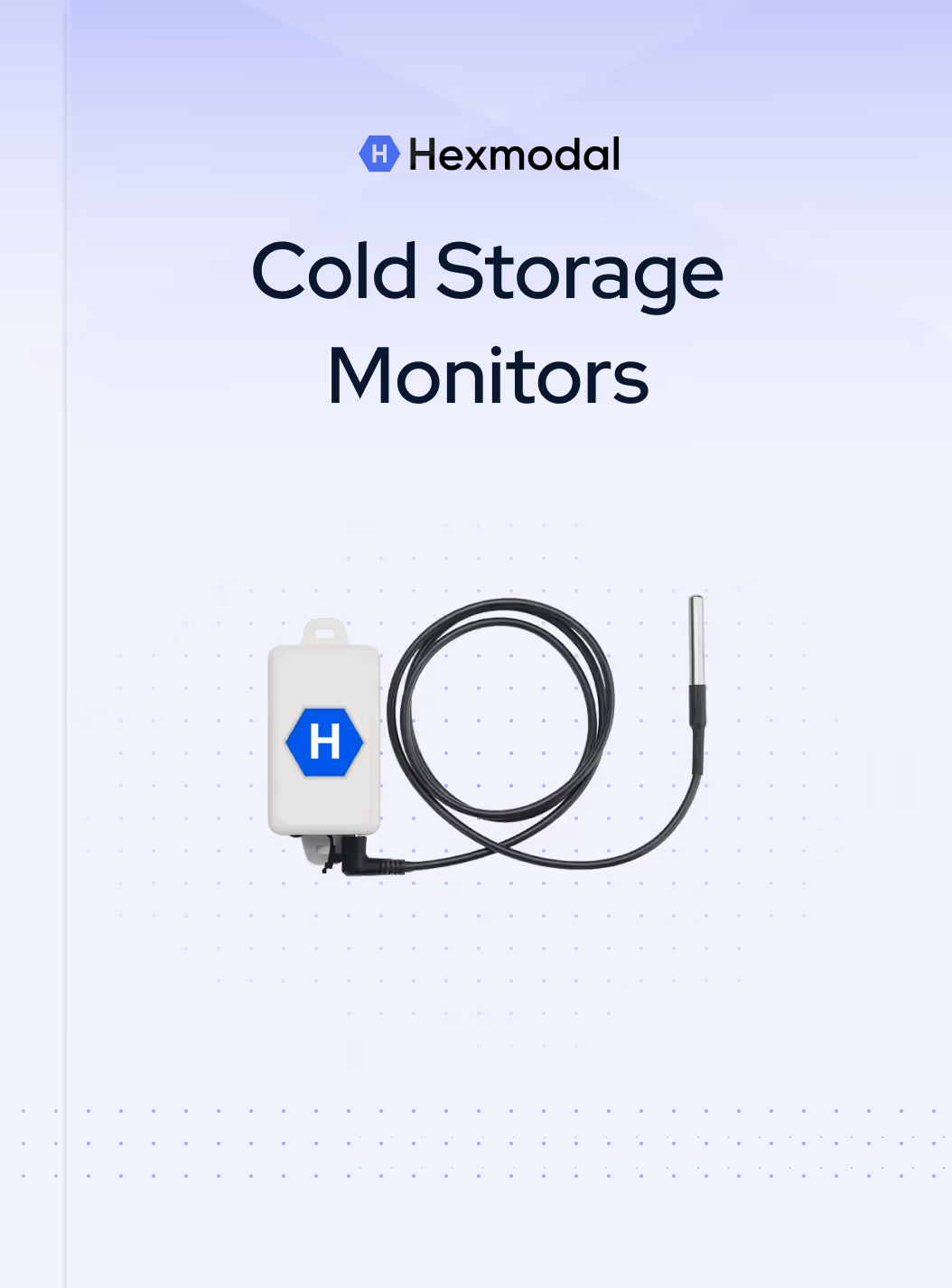
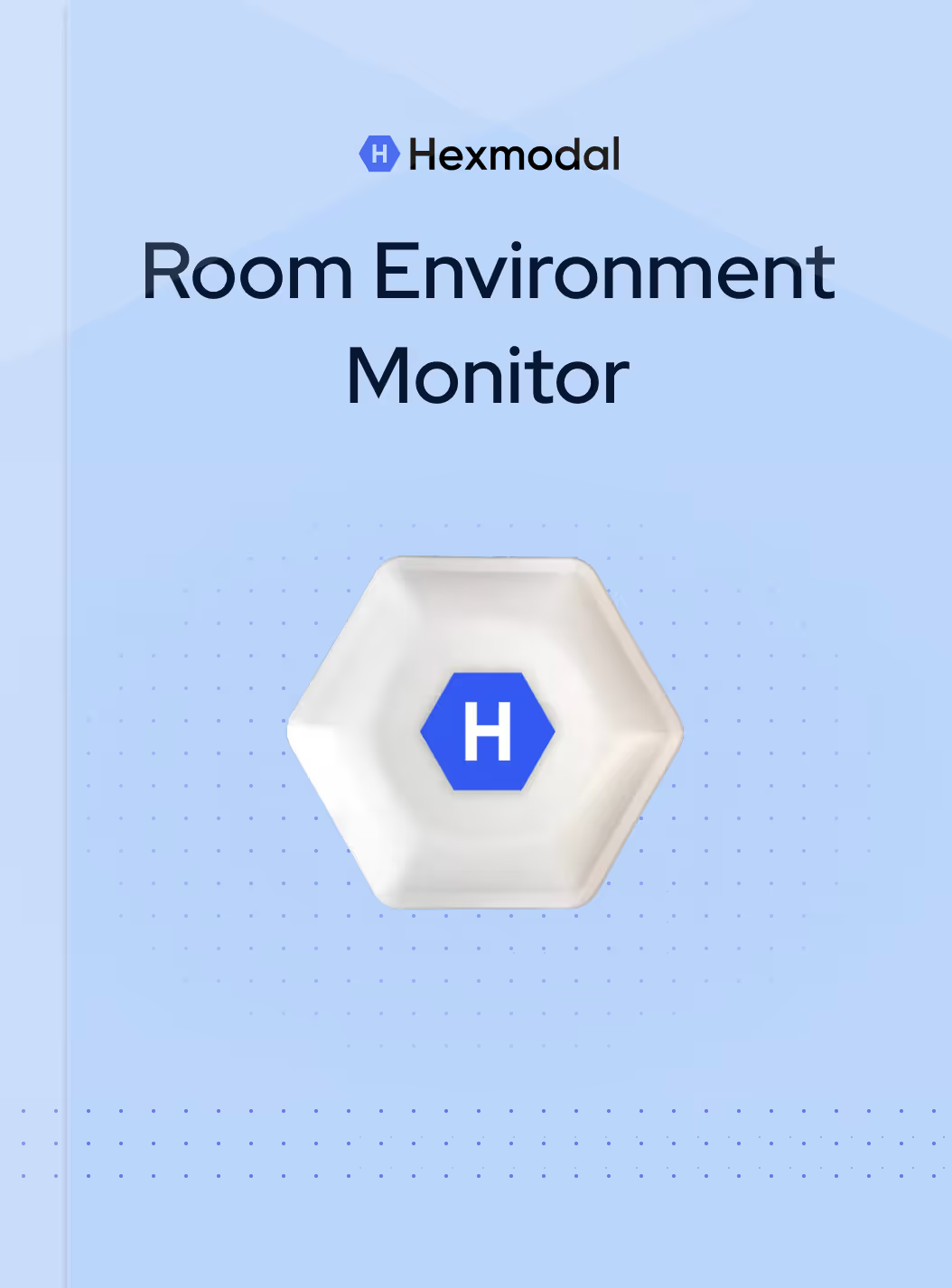
Installation, maintenance, and troubleshooting for every Hexmodal device.

Using the Hexmodal Dashboard, generating reports, and managing corrective actions.
Running and scheduling tests
Downloading AHJ-formatted reports
Logging and resolving corrective actions
Reviewing trends and excursion history
Managing device floorplans
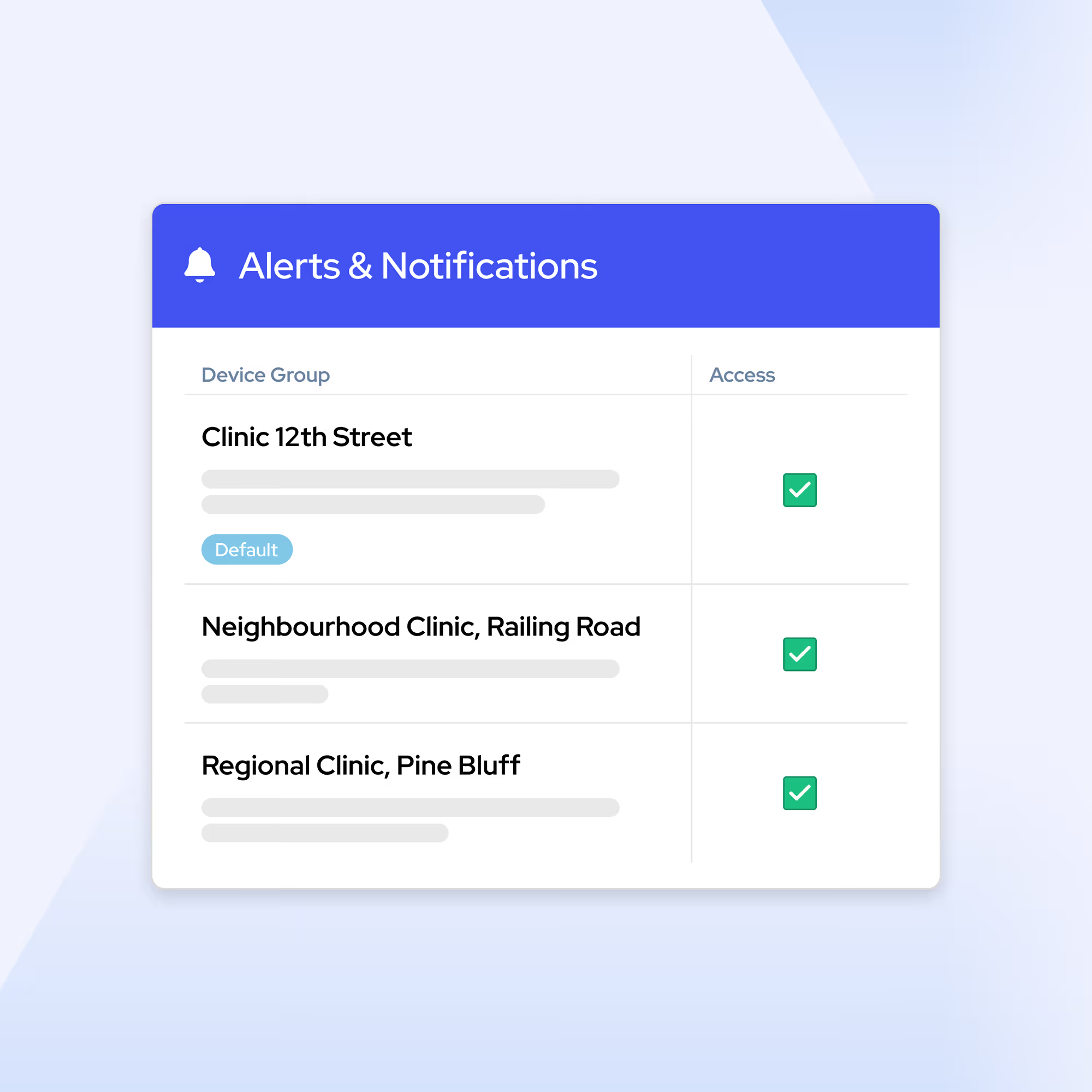
Configuring custom alert thresholds, user groups, and escalation paths.
Setting custom alert thresholds by device or room
Creating user groups and escalation rules
Reducing false alarms
Testing notification settings

NFPA, CMS, and AHJ requirements explained in the context of Hexmodal devices.
NFPA 101 and emergency lighting testing requirements
NFPA 10 and fire extinguisher inspection requirements
NFPA 99 and ASHRAE 170 for room environment monitoring
CMS, Joint Commission, and DNV survey preparation
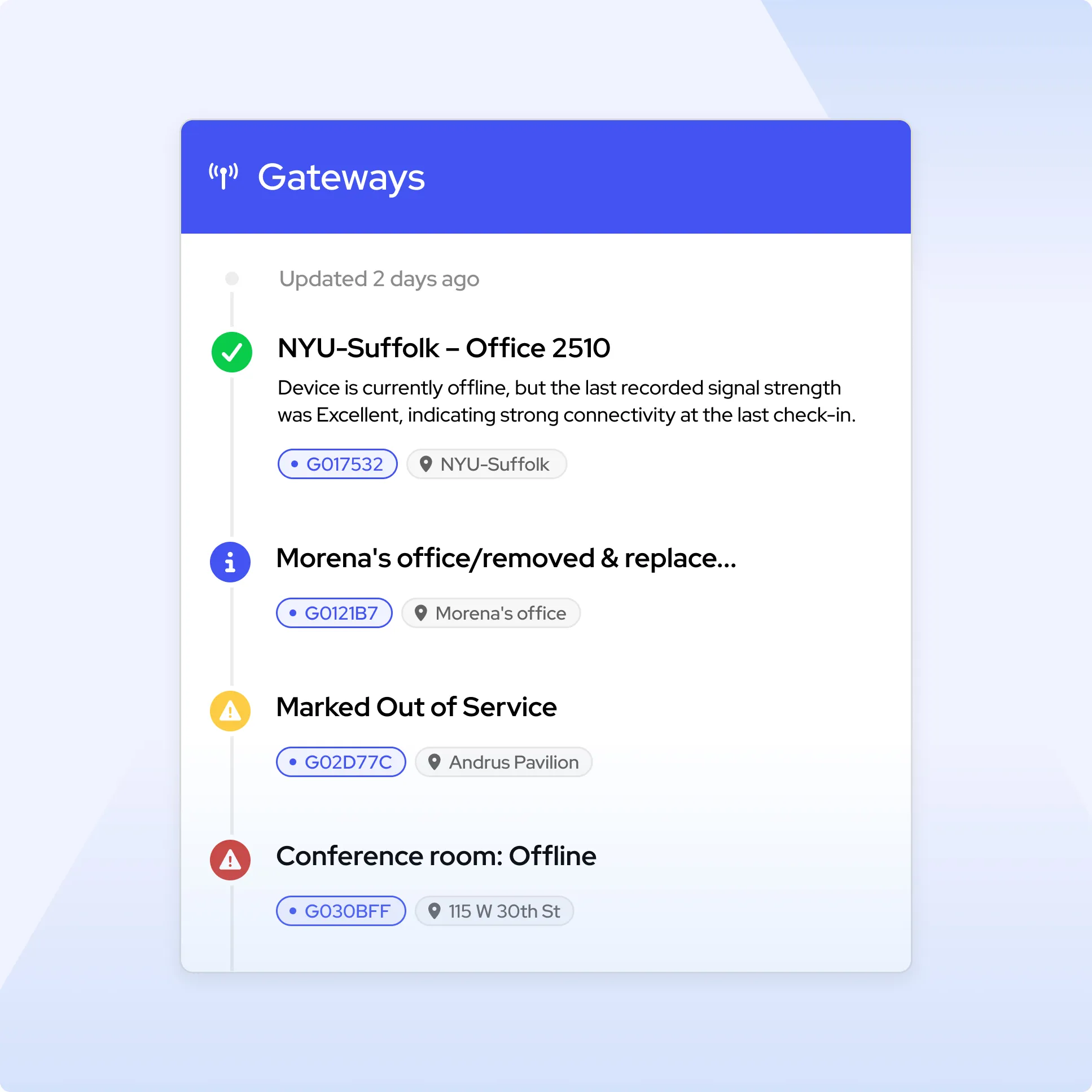
Resolving device, gateway, and reporting issues step by step.
Device not reporting to dashboard
Gateway connectivity issues
Alert not received
Report data appears incorrect
Our support team is available 24/7.